
Table of Contents
This guide will help you connect ScrapeOwl with AI Content Labs so you can take advantage of its web scraping capabilities within your workflows.
Step 1: Log in to your ScrapeOwl account
Go to the ScrapeOwl website (https://scrapeowl.com/) and log in. If you don’t have an account, sign up by following the instructions.
Step 2: Get your ScrapeOwl API Key
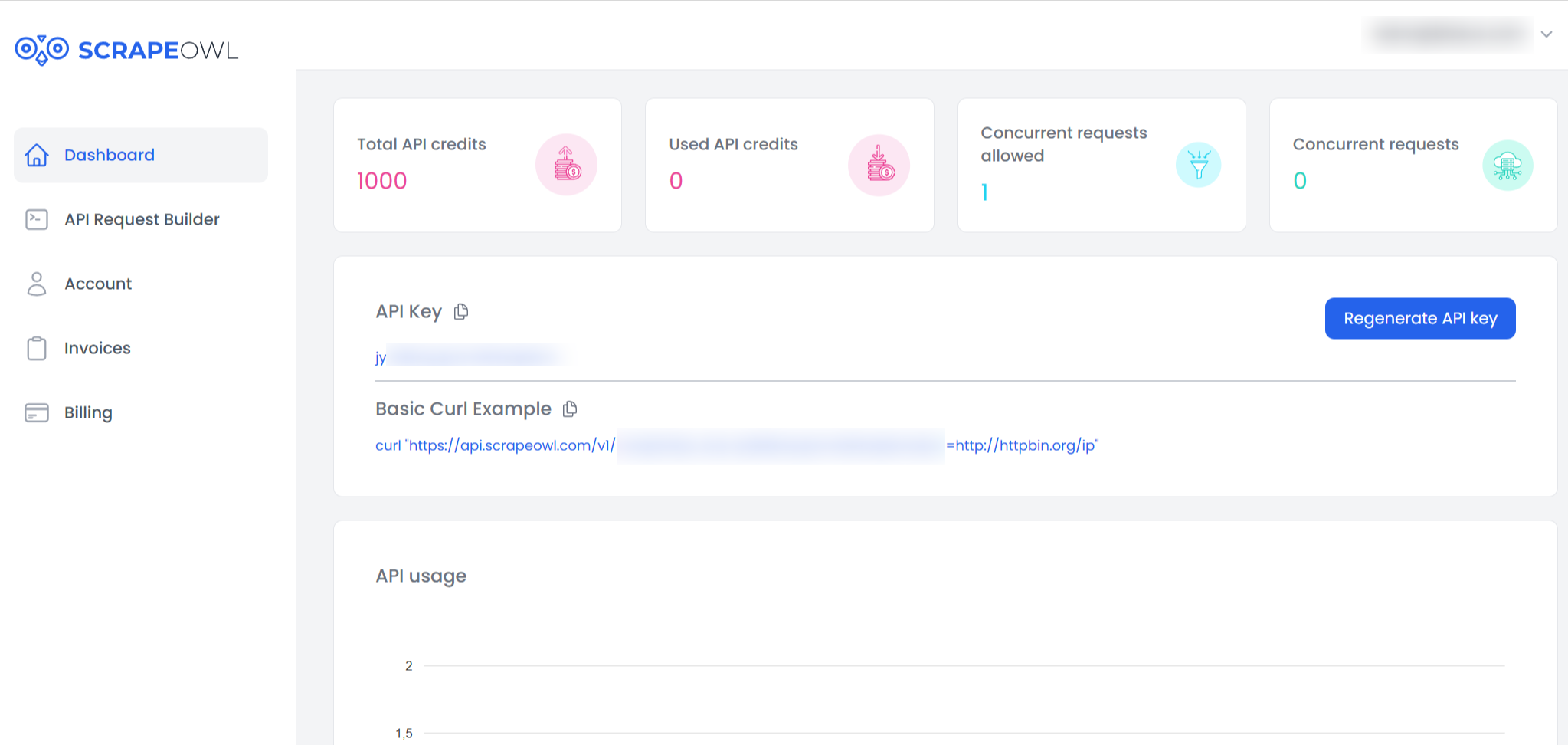
Once logged in, go to your dashboard at https://app.scrapeowl.com/dashboard. Your API Key will be displayed in the "API Key" section. Copy it and save it in a secure location.
Step 3: Enter the API Key in AI Content Labs
- Log in to your AI Content Labs account.
- In the user menu located at the bottom left, select "Configure API Keys".
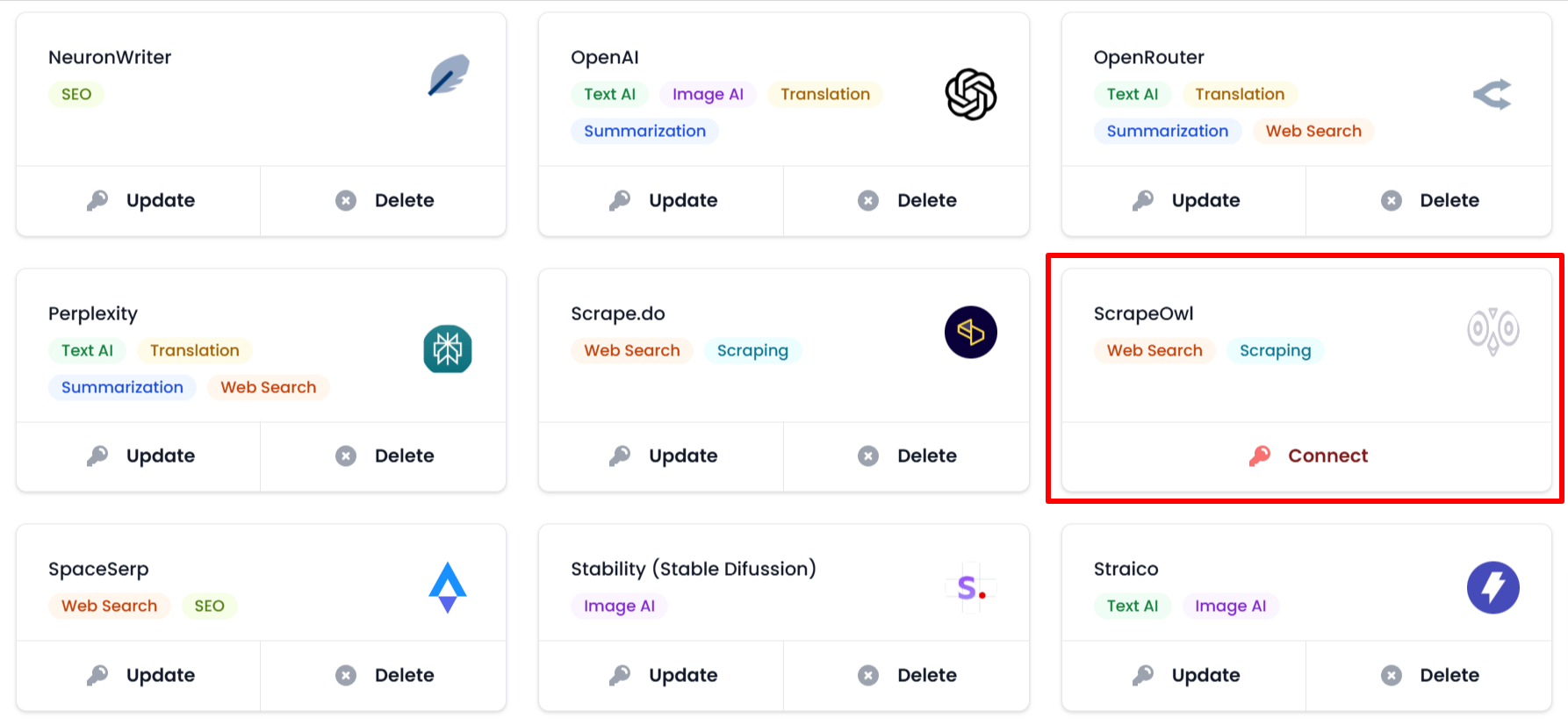
- Locate the ScrapeOwl card.
- Click on "Connect".
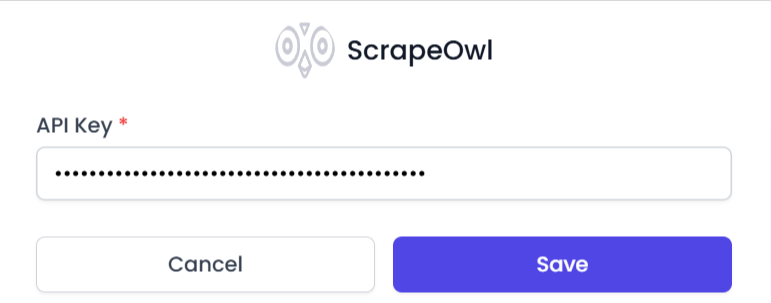
- Paste the API Key you copied in the previous step into the corresponding field.
- Click on "Save". If the key is valid, ScrapeOwl will connect successfully. If an error occurs, you will receive a message with additional information.

Once this process is completed, you will be able to use ScrapeOwl within AI Content Labs. If you need assistance, please contact our technical support team.


