
Table of Contents
This guide will help you connect Tavily with AI Content Labs so you can leverage its capabilities within your workflows.
Step 1: Log in to your Tavily account
Go to the Tavily website (https://tavily.com/) and log in. If you don’t have an account, sign up by following the instructions.

Step 2: Get your Tavily API Key
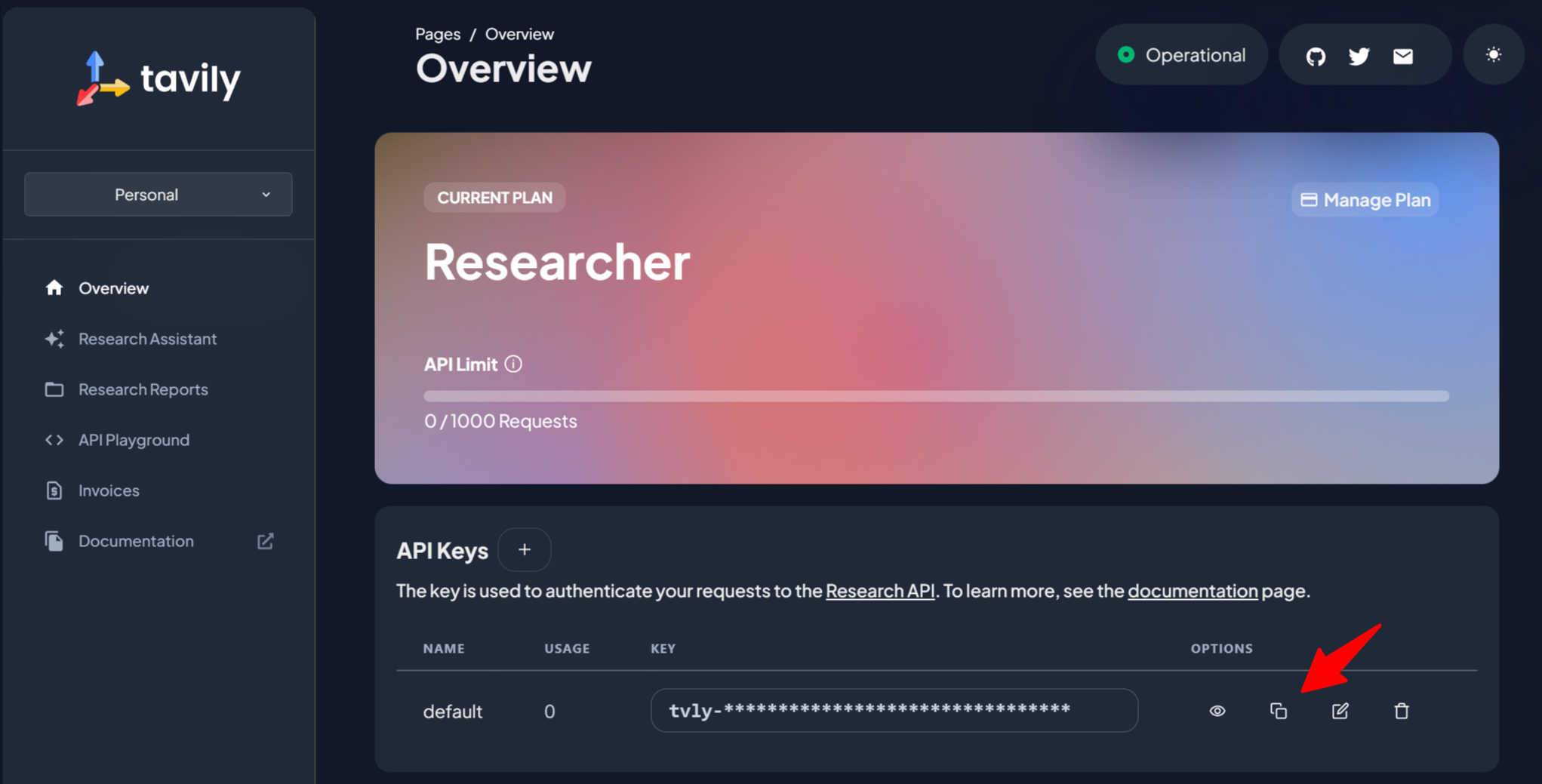
Once inside the platform, go to the API section at https://app.tavily.com/home. Your API Key will be displayed in the “API Keys” section. Copy it and save it in a secure location.
Step 3: Enter the API Key into AI Content Labs
- Log in to your AI Content Labs account.
- In the user menu located at the bottom left, select “Configure API Keys”.
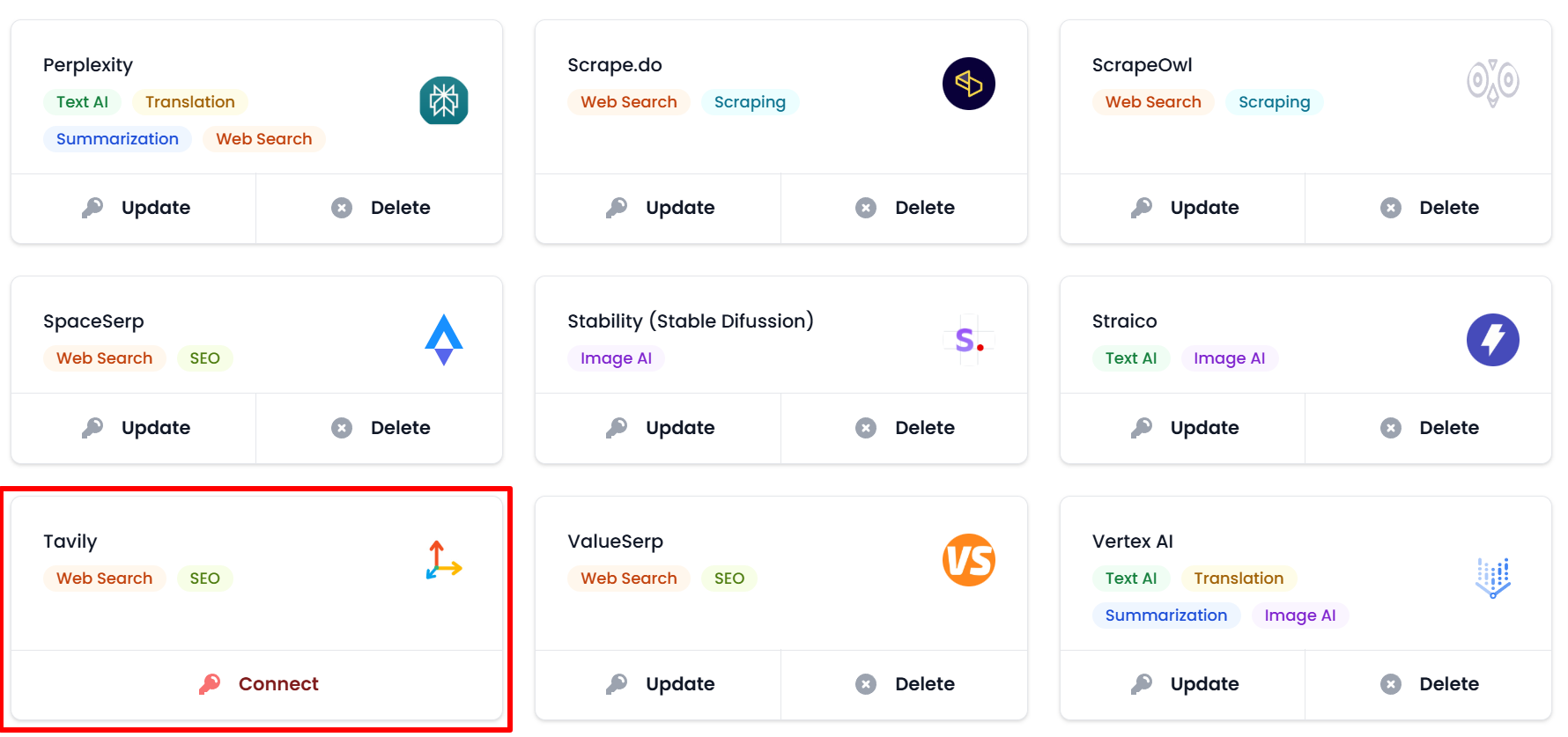
- Locate the Tavily card.
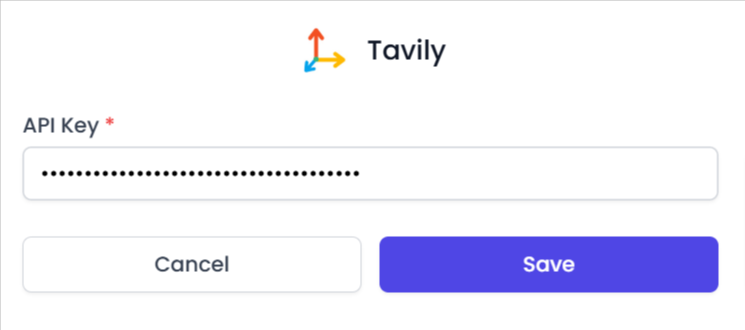
- Paste the API Key you copied in the previous step into the corresponding field.
- Click “Save”. If the key is valid, Tavily will connect successfully. If an error occurs, you will receive a message with additional information.

Once this process is completed, you will be able to use Tavily within AI Content Labs. If you need assistance, contact our technical support team.


